Ideas, guides & things we’ve learned.
Practical notes on Zoho, building better workflows, and the things we’re working on.
Zoho CRM implementation plan: a practical guide
Build a Zoho CRM implementation plan covering migration, fields, pipelines, accounting handoffs, automation, training and launch checks.
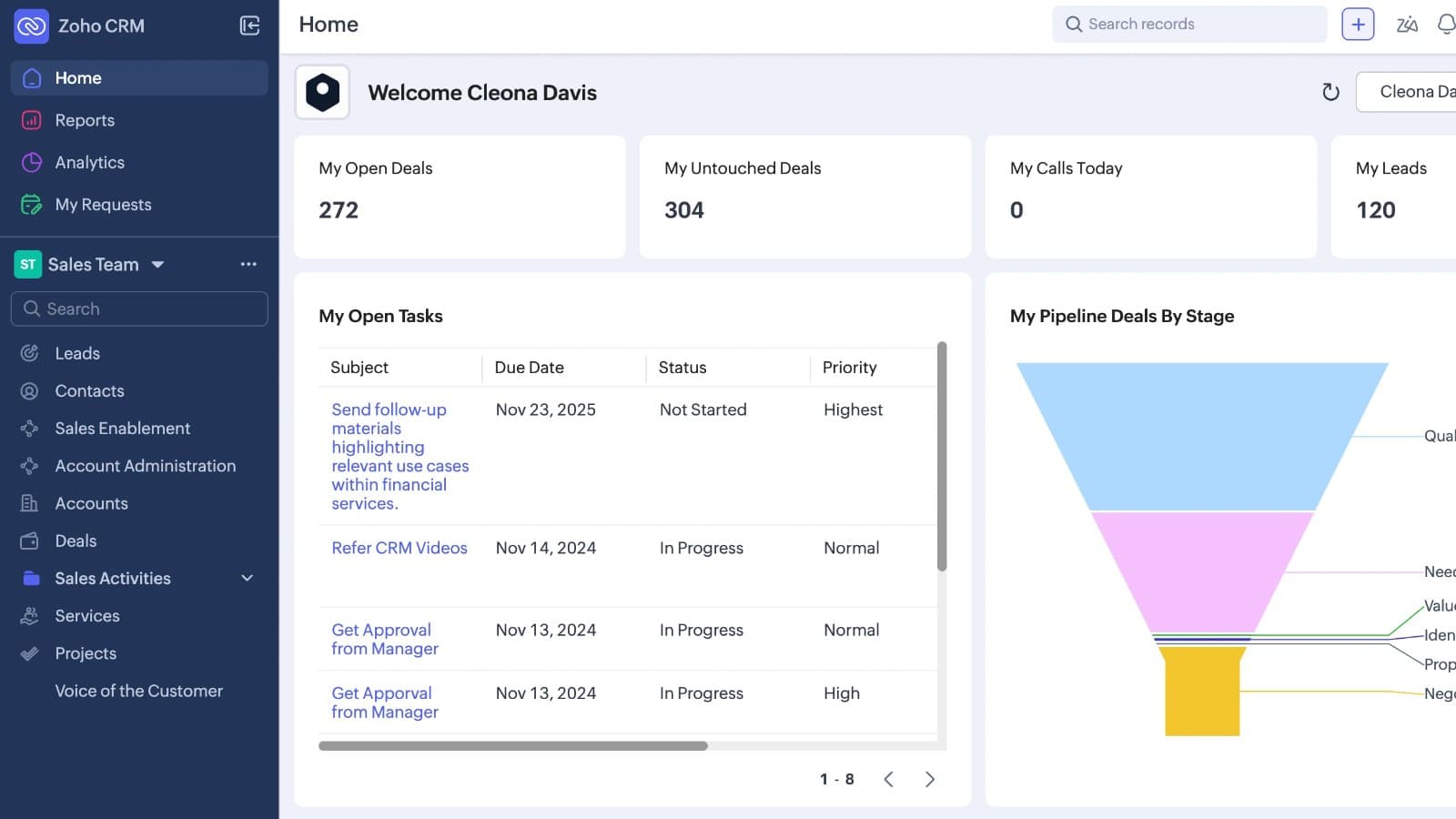
Connect Facebook Lead Ads to Zoho CRM: setup and tests
To connect Facebook Lead Ads to Zoho CRM, use Zoho LeadChain: install its CRM extension, select your Facebook account, ad account, Page and form, choose the CRM destination, map fields, then test…
ActiveCampaign Zoho CRM integration: setup and test plan
Start your ActiveCampaign Zoho CRM integration with a written decision about which system owns each contact field.
Acuity Scheduling Zoho CRM integration: booking to follow-up
Define what a booking should become in CRM before connecting Acuity Scheduling.
CallRail Zoho CRM integration: connect, test and route leads
Decide where a caller should land before connecting CallRail to Zoho CRM.
ClickFunnels Zoho CRM integration: setup and a repeatable test plan
Test your ClickFunnels Zoho CRM integration from the original submission to the assigned CRM record and its next action.
Zoho CRM API: authenticate, create a record and handle errors
Start your Zoho CRM API integration with one operation you can verify: create a test lead and read it back.
Email parser Zoho CRM integration: from inbox to verified lead
Use an email parser Zoho CRM integration when enquiries arrive in a repeated template and you need their values turned into CRM records.
Extensions for Zoho CRM: choose and test what you need
Choose extensions for Zoho CRM by the job they must complete.
Gmail Zoho CRM integration: choose and configure the right method
Choose your Gmail connection by the job you need to do.
Gravity Forms Zoho CRM integration: setup and testing
Build your Gravity Forms Zoho CRM integration around one complete feed.
How to use Zoho CRM: complete your first sales workflow
Start with one enquiry and finish with an accurate record, a clear owner, and an agreed next action.
Is Zoho CRM down? Check your region and isolate the problem
Check Zoho CRM’s regional status, separate service incidents from local faults, and collect useful evidence for support.
LinkedIn Lead Gen Forms to Zoho CRM: setup and testing
Build the LinkedIn Lead Gen Forms Zoho CRM integration around a testable handoff: the right form creates or matches the intended person, preserves the source, assigns an owner, and leaves a clear…
Magento Zoho CRM integration: choose the right data flow
Choose a Magento Zoho CRM integration by its documented direction and record coverage.
Mass email in Zoho CRM: build the audience, send and check
Prepare your audience before opening the send action.
PayPal Zoho CRM integration: setup and payment checks
Choose where invoices and payment evidence belong before connecting PayPal to Zoho CRM.
WooCommerce Zoho CRM integration: map, sync, and verify orders
Build your WooCommerce Zoho CRM integration around a specific customer and order outcome.
WordPress Zoho CRM integration: capture and verify every lead
A WordPress Zoho CRM integration should deliver an enquiry to the intended CRM record with a usable email, a clear source, and an owner.
WPForms Zoho CRM integration: map, test, and route leads
Choose your WPForms Zoho CRM integration route before configuring credentials.
Zoho CRM Accounts vs Contacts: model companies and people correctly
Use an Account for the organisation and a Contact for the person you work with.
Zoho CRM auto dialer: setup, call lists, and follow-ups
A Zoho CRM auto dialer workflow needs a calling system and a clean CRM handoff.
Zoho CRM automation: choose the right tool and build your first process
Start Zoho CRM automation with one repeated handoff you can describe and verify.
Zoho CRM Blueprint: build and test a sales process
Use Zoho CRM Blueprint when your sales process needs defined states and controlled moves between them.
Zoho CRM cadences: build and test a follow-up sequence
Define the end of your Zoho CRM cadence before writing its first message.
Zoho CRM campaigns: build a campaign and follow up on every lead
Start a campaign with a defined audience and a follow-up plan.
Zoho CRM Canvas: build a useful layout for your team
Build a Zoho CRM Canvas view around the decisions someone makes while using a record.
Zoho CRM Connected Records: setup and workflows
Use Zoho CRM Connected Records when a business record needs a connected piece of work with its own context.
Zoho CRM contacts: create, organise and clean your records
Treat each contact as a person you need to recognise and reach.
Zoho CRM custom function: create, deploy, and invoke
A custom function packages the procedural logic you need for a defined CRM job.
Zoho CRM customisation: a practical plan for fields, layouts, and rules
Start your Zoho CRM customisation with a decision your sales team cannot make reliably today.
Zoho CRM dashboard: build a sales view your team can use
Build your Zoho CRM dashboard around the decisions you make in a sales review.
Zoho CRM deals: create, advance, and close opportunities
A useful deal tells you what the buyer is considering, where the decision stands, and who will do what next.
Zoho CRM Deluge: a worked script from input to verified update
Build your first Zoho CRM Deluge exercise around one record and one field.
Zoho CRM email integration: connect, test, and troubleshoot
Choose your Zoho CRM email integration by the job you need to complete: synchronise a mailbox, work from an inbox, associate correspondence with records, or extract structured enquiries.
Zoho CRM email limits: daily quotas and fixes
Check the sending route before calculating a Zoho CRM email limit.
Zoho CRM email signature: setup, logos, and fixes
Set your Zoho CRM email signature in CRM's Compose settings, then check how your templates use it.
Zoho CRM email templates: create, personalise and test
Build an email template for a specific message and recipient.
Zoho CRM error: diagnose the message and fix the cause
Copy the exact error before changing settings or retrying the action.
Zoho CRM export: download contacts, fields and related data
Choose your Zoho CRM export route by the file you need.
Zoho CRM goals feature: set sales targets that your team can track
Choose the metric before choosing the goal display.
Zoho CRM integrations: choose, connect, and verify your apps
A Zoho CRM integration connects CRM with another application so an agreed event can move or update information.
Zoho CRM inventory management: native module guide
Start Zoho CRM inventory management with a map of the sales records you need.
Zoho CRM invoice: create and check native records
A native Zoho CRM invoice is a CRM record you can create and inspect alongside your sales context.
Zoho CRM Kiosk Studio: build a guided lead intake flow
Design your Zoho CRM kiosk around an outcome: find the right person, identify the owner and leave a clear next action.
Zoho CRM layout: build a form your team can actually use
Start a layout change with a record-entry problem.
Zoho CRM lead conversion: mapping and step-by-step setup
Before converting a lead, decide which person and company records should remain afterward.
Zoho CRM lead scoring: build rules and test the follow-up
A lead score should help you decide what to do next and explain why.
Zoho CRM leads: create, assign, follow up and qualify
Every active lead should have a clear owner, an understandable status and a next action.
Zoho CRM leads vs contacts: choose the right record
Use a lead for an enquiry that still needs qualification under your business rules.
Zoho CRM merge: keep the right record and field values
A record merge combines known duplicates into one surviving record.
Zoho CRM migration: preserve relationships and verify the move
A migration is complete when your team can use the destination records with confidence.
Zoho CRM mobile app: set up a field-sales day
Set up the Zoho CRM mobile app around a complete customer visit.
Zoho CRM modules: choose, create, and connect your data
A module should represent something your team needs to manage.
Zoho CRM notes: capture context and turn it into next steps
A note should let you understand a conversation without calling the person who attended it.
Zoho CRM pipeline: set up stages and keep deals moving
Define what each stage means before creating your Zoho CRM pipeline.
Zoho CRM portal setup: give users the right record access
Start your Zoho CRM portal setup with an access matrix.
Zoho CRM products: build and maintain a quote-ready catalogue
A usable product catalogue gives a salesperson a clear answer to three questions: which item should I select, which price applies, and what will the customer see?
Zoho CRM quotes: from product lines to a follow-up plan
A quote needs more than a plausible total.
Zoho CRM reports: build, validate and share useful answers
Start a Zoho CRM report with a question that has a defined population.
Zoho CRM sales orders: create, check and invoice
Prepare a sales order from verified customer commitments and product details.
Zoho CRM sandbox: create, test, and deploy a configuration change
Use a Zoho CRM sandbox when a configuration change needs testing away from production.
Zoho CRM Shopify integration: set up and verify your sync
Start your Zoho CRM Shopify integration with a customer and order mapping.
Zoho CRM Slack integration: setup and useful alerts
Start your Zoho CRM Slack integration with one useful notification.
Zoho CRM slow? Diagnose loading and save delays
When Zoho CRM feels slow, start with one action you can repeat.
Zoho CRM tags: add, automate, and keep them useful
Give every Zoho CRM tag a job.
Zoho CRM tasks: create, assign, repeat, and complete
A useful Zoho CRM task tells someone what to do, for which customer, and by when.
Zoho CRM territory management: rules, access, and tests
Territory management starts with a coverage question: which group should work with a set of customers, and what access should its members have?
Zoho CRM texting: set up two-way SMS and log conversations
A texting setup is ready when you can send a message, receive the reply on the right CRM record and give its owner a clear next step.
Zoho CRM training: a hands-on learning path for your team
Build your Zoho CRM training around the work each person must complete.
Zoho CRM update record: UI and API steps
Start a Zoho CRM record update by writing down three things: which record you mean, which field should change, and what that field should contain afterwards.
Zoho CRM web forms: create, embed and test lead capture
A web form collects information from a website visitor.
Zoho CRM WhatsApp integration: connect, test, and automate
Start your Zoho CRM WhatsApp integration with one business number, one test sender, and a named person responsible for replies.
Zoho CRM widget tutorial: build, embed and troubleshoot
Start your Zoho CRM widget with a small, read-only requirement: show a useful summary for the record the user opened.
Zoho CRM with Zia: features, setup, and useful workflows
Evaluate Zoho CRM with Zia through a specific job: preparing for a customer conversation, prioritising leads, or building a report your manager needs.
Zoho CRM workflow: create, test and troubleshoot your first rule
Start with one clear rule: when a lead becomes qualified, its owner needs a follow-up task.
Zoho Deluge invokeurl: CRM API calls that work
Use the bracketed `invokeurl` task when building a CRM function that needs an HTTP request.
Zoho CRM QuickBooks integration: native setup, sync rules and tests
Choose your QuickBooks integration around who creates each record and which system owns changes.
Zoho CRM Xero integration: choose a route, map data and test it
Choose a named Xero connector before deciding what “sync” means.
Zoho CRM and Zoho Books integration: plan the handoff
Compare the native Zoho CRM and Zoho Books integration with custom work. Plan record ownership, invoice and payment handoffs, and checks before syncing.
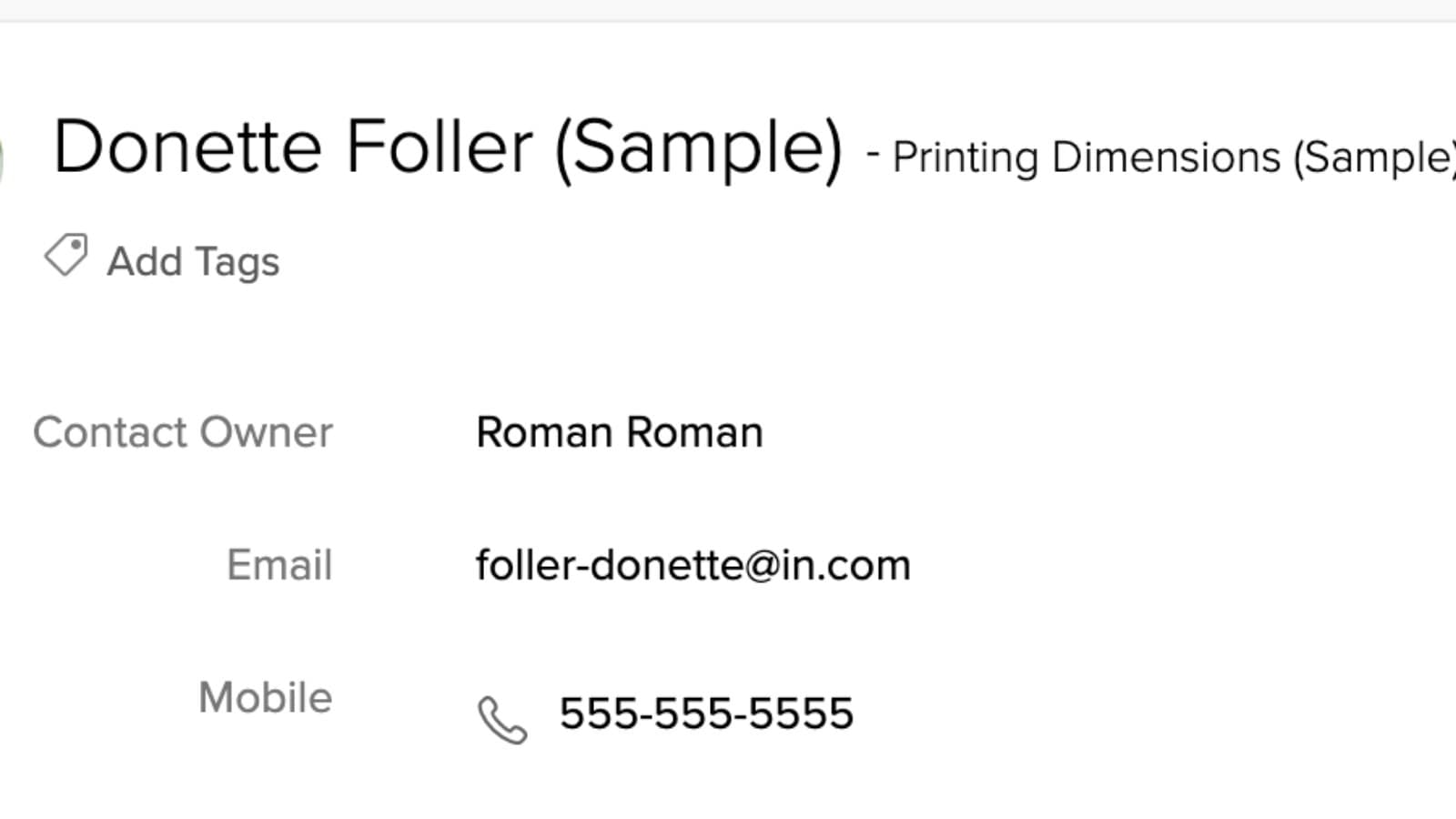
Fill a new Contact's phone from its Account in Zoho CRM
Zoho CRM copies an Account's address to new Contacts, but not its phone or fax. A small workflow and Deluge function fill the gap.
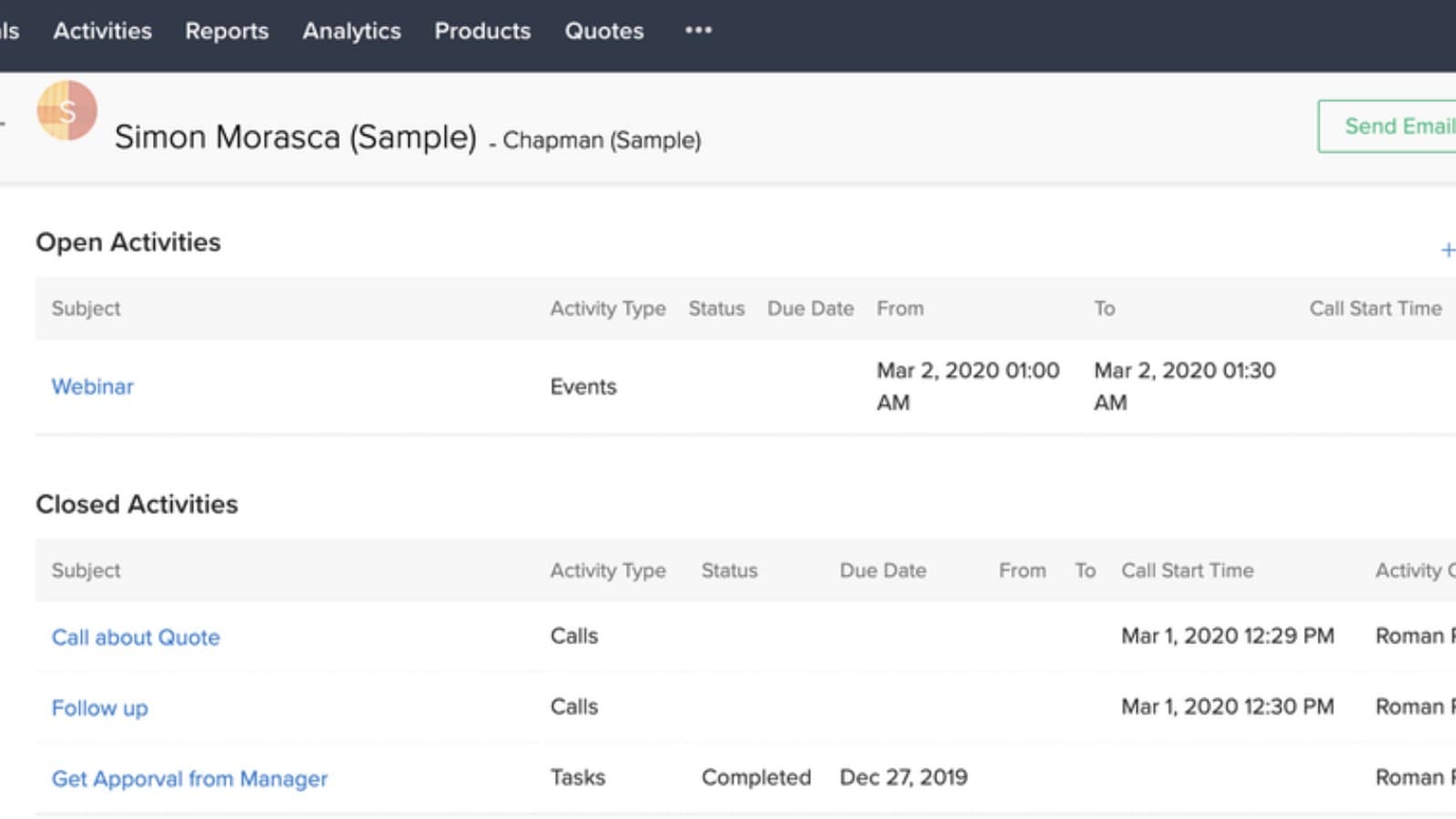
Adding your own fields to Calls in Zoho CRM
Record a call's outcome, next step or anything else your team needs: custom fields on Calls, and when a separate module is the better home.

Setting up the Gong and Zoho CRM integration
The four decisions to make before we connect Zoho CRM to Gong: which records, how often, which custom fields, and how the mapping is maintained.
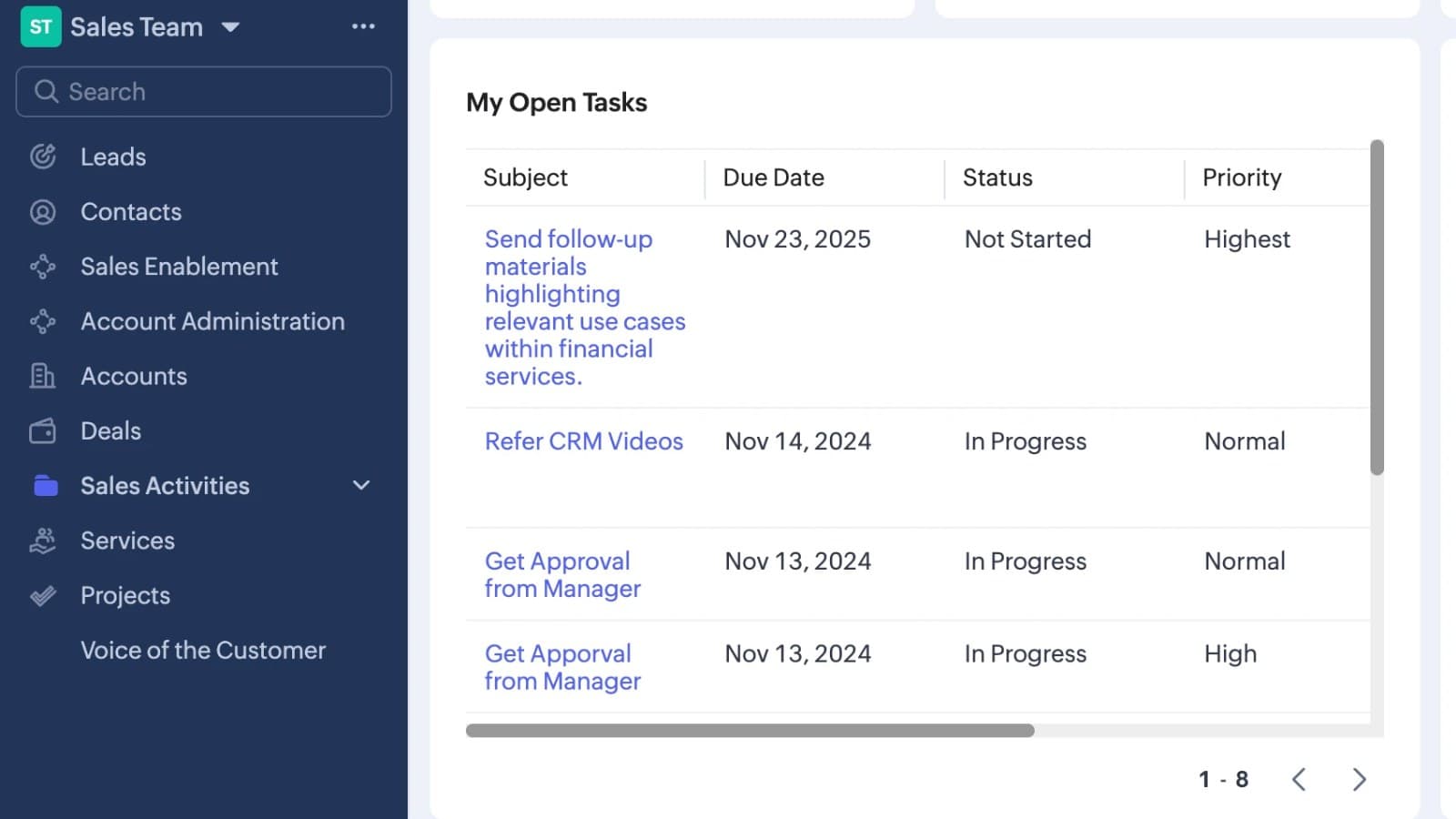
Moving your data into Zoho CRM, a checklist
Plan field mapping, record matching and relationships, test a linked pilot, and reconcile every row of your Zoho CRM import.
Letting customers book meetings from Zoho CRM
Zoho Bookings, Calendly or YouCanBookMe: how to choose a booking tool that checks your calendar and puts every meeting in the CRM.
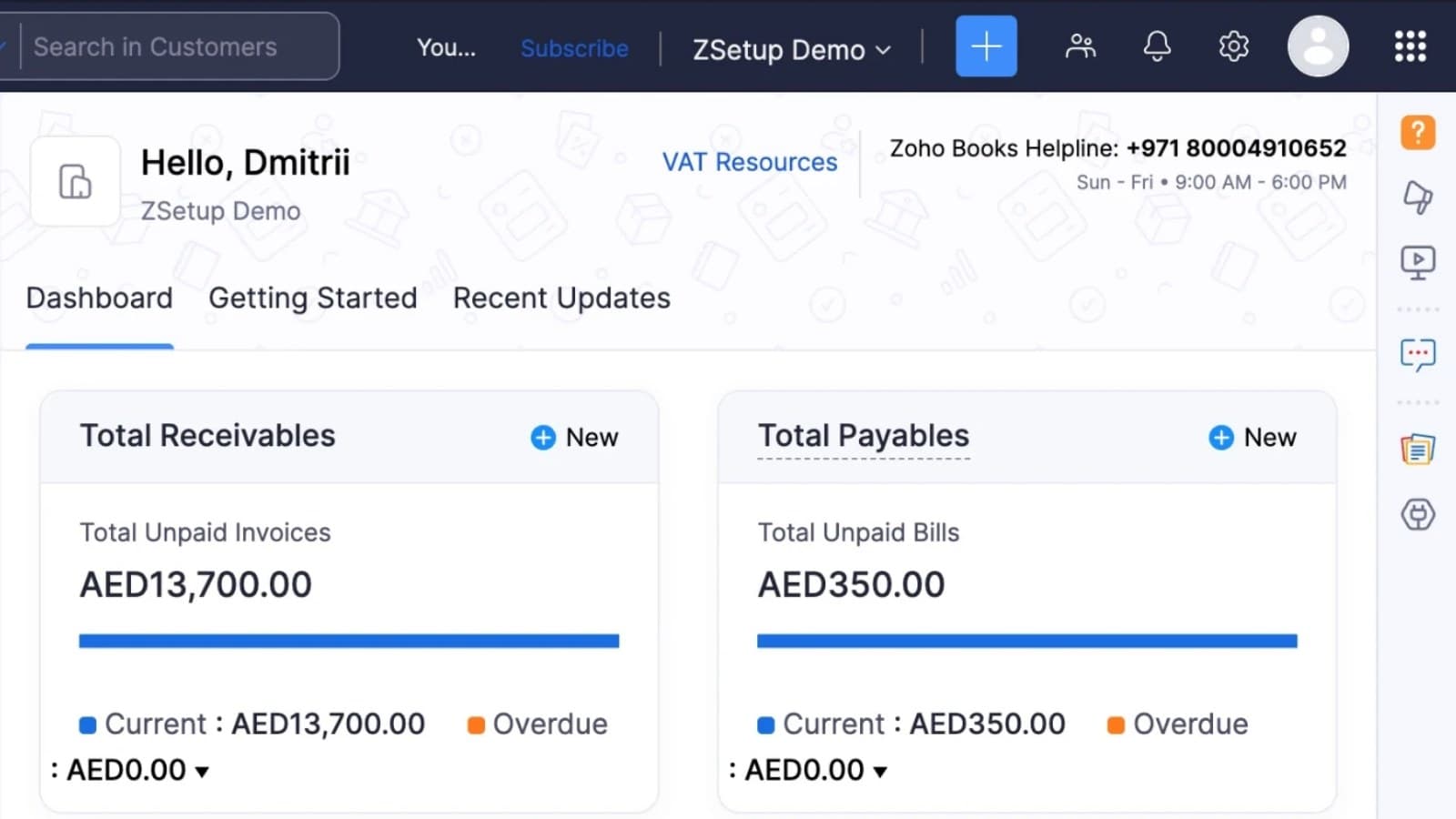
Five ways to lower your Zoho CRM bill
Pay for the edition, users and apps you actually use. A short review of your Zoho subscription often finds savings.
How to send SMS from Zoho CRM with Twilio
Set up zsetup’s Twilio SMS extension for Zoho CRM, then check sender requirements, record matching, delivery evidence and reply handling.
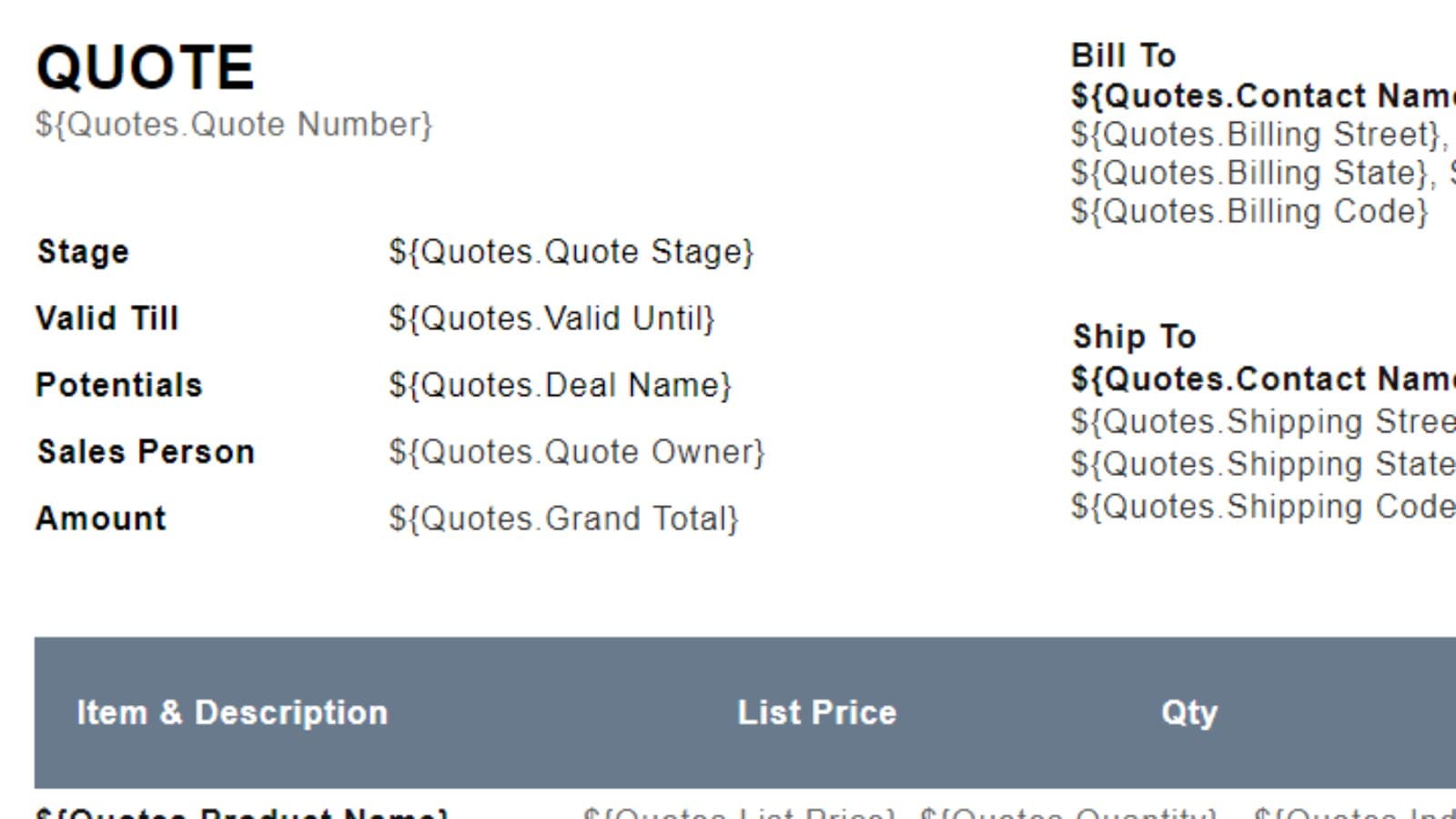
Copy email templates between Zoho CRM modules
Clone a template from Leads to Contacts, replace its merge fields and test the result without rebuilding the design.
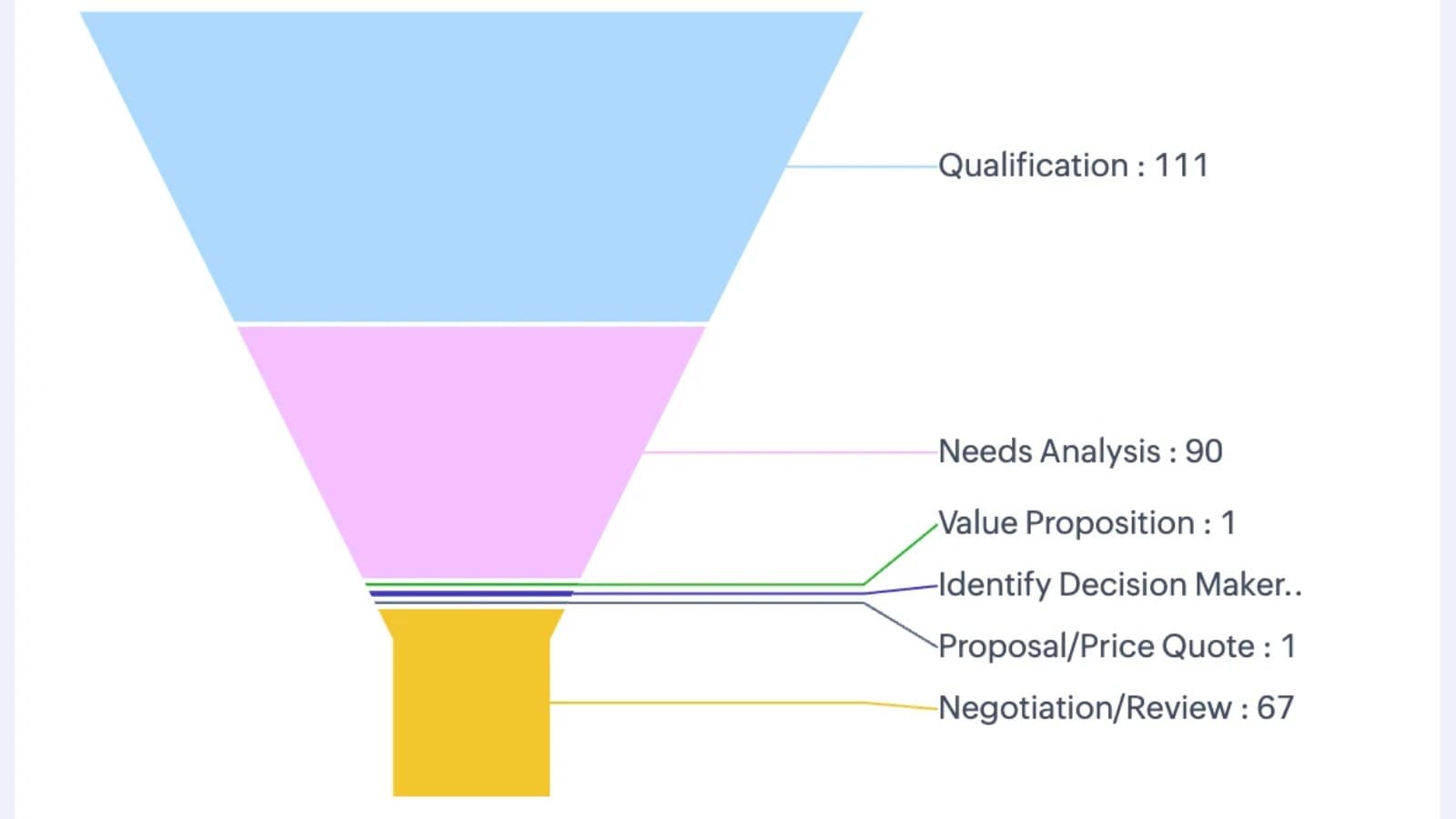
Show the latest note in a Zoho CRM report
Understand why a recent-date filter can return several notes, and plan a reliable one-note-per-record reporting approach.
Zoho CRM implementation plan: a practical guide
Build a Zoho CRM implementation plan covering migration, fields, pipelines, accounting handoffs, automation, training and launch checks.
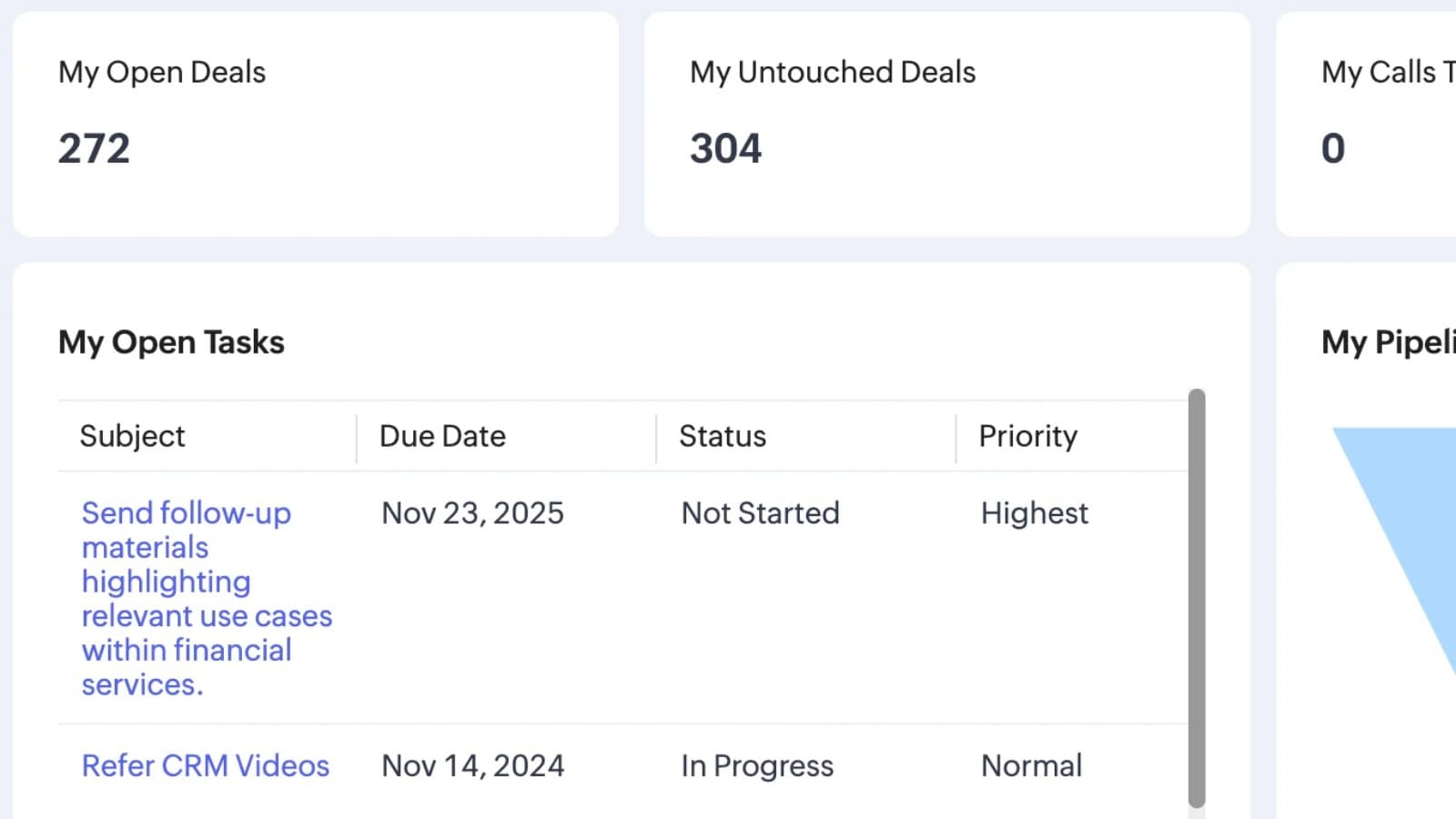
Share picklist values between Zoho CRM Leads and Contacts
Use global sets to keep shared CRM picklists consistent, and check lead conversion mapping before rolling out changes.
Zoho CRM and Mailchimp: plan a sync without duplicates
Define sync direction, record matching, field ownership and subscription handling before connecting Zoho CRM to Mailchimp.
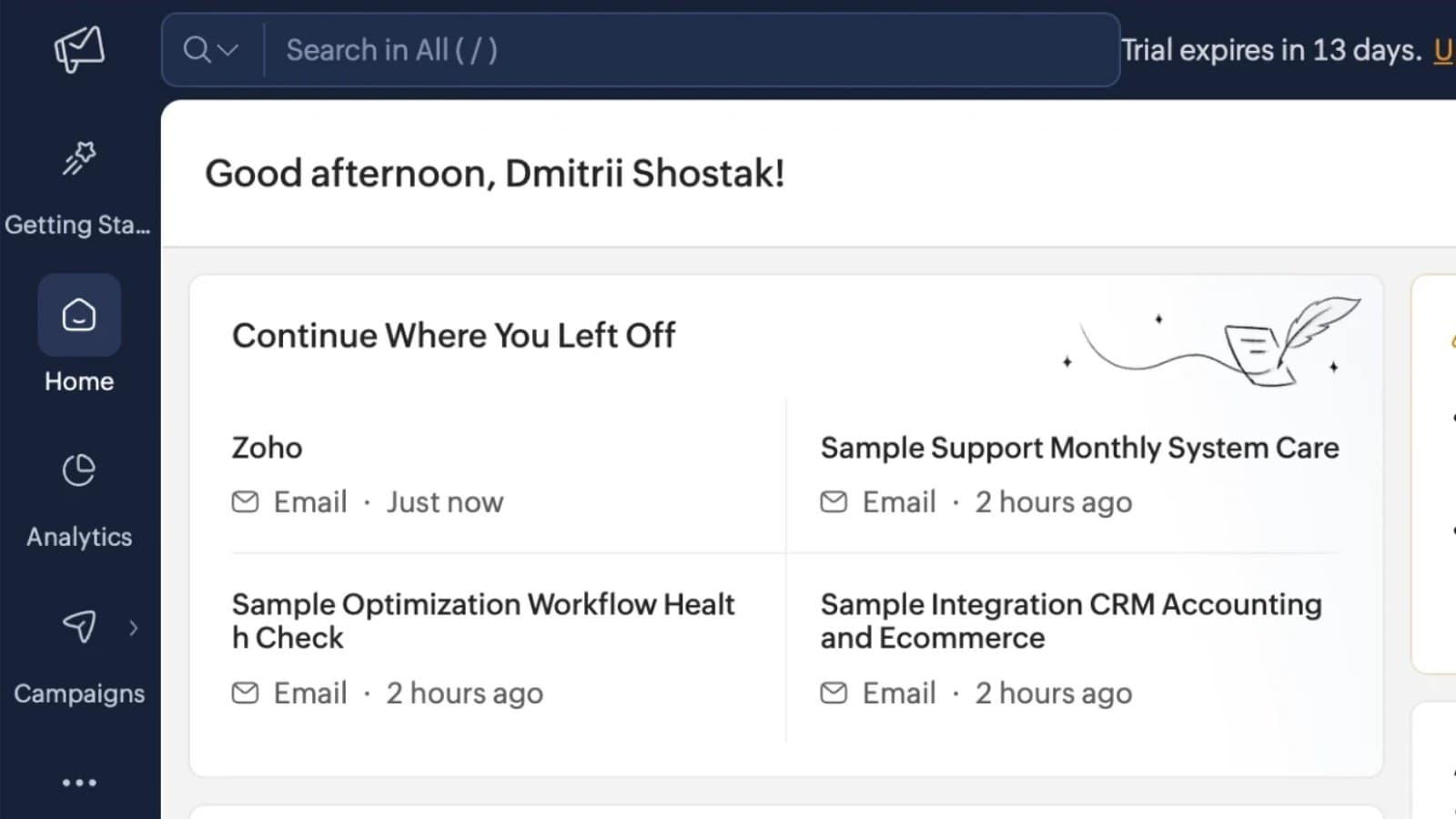
Drip campaigns in Zoho CRM and Zoho Campaigns
Choose where your email sequence should run, define entry and exit rules, and test the handoff between marketing and sales.